In the digital age, communication should be as natural as speaking. For Kannada speakers, typing long messages, emails, or notes in the beautiful Kannada script can sometimes be time-consuming due to complex keyboard layouts. However, with the rise of Kannada Voice Typing Apps, you can now simply speak and watch your words turn into text instantly.
Voice typing technology has become incredibly accurate, making it an essential tool for students, professionals, and anyone who wants to save time. In this blog, we will explore the best free apps that offer reliable Kannada speech-to-text features.
Why Use a Kannada Voice Typing App?
The most obvious benefit is speed. Most people can speak at least three times faster than they can type. This is especially helpful for those who are not fluent with Kannada keyboard layouts. Instead of searching for specific vowels and consonants, you can focus on your thoughts while the app handles the transcription.
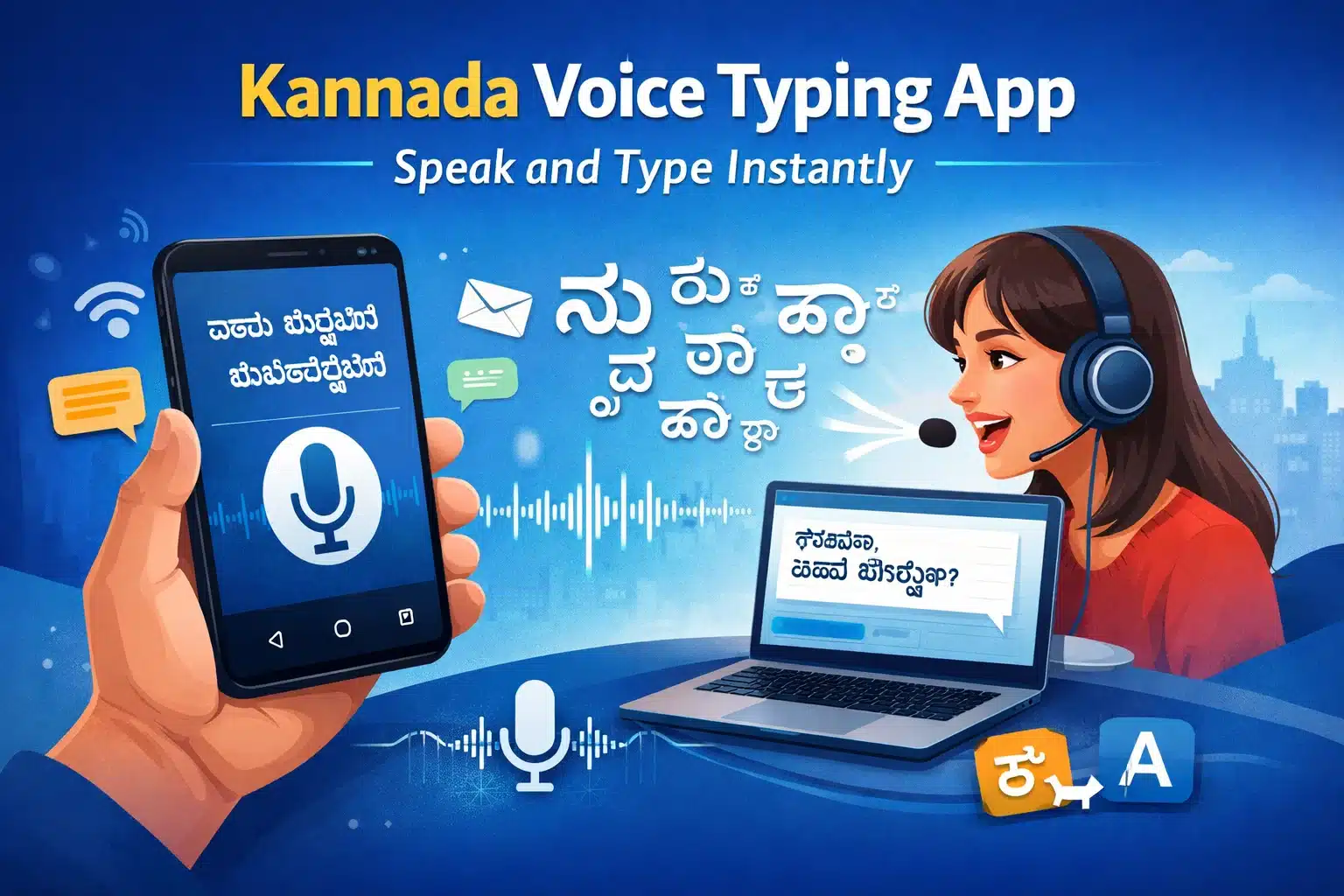
Additionally, these apps are perfect for multitasking. Whether you are walking, cooking, or simply feeling tired of staring at a screen, you can dictate your messages hands-free. Most modern apps also support “Kanglish” (a mix of Kannada and English), which is how many of us naturally speak today.
How Does a Kannada Voice Typing App Work?
Kannada voice typing apps work using speech-to-text technology. When you speak in Kannada, the app listens to your voice, processes the sound, and converts it into text in real time.
The basic working process is very simple:
- Open the voice typing app or keyboard
- Select Kannada as the language
- Tap on the microphone icon
- Speak clearly in Kannada
- Your spoken words appear as text automatically
For better accuracy, it is recommended to speak clearly and use a stable internet connection.
Top 5 Free Kannada Voice Typing Apps
If you are looking for the best tools to start your voice typing journey, here are five excellent free options:
1. Gboard (The Google Keyboard)
Gboard is arguably the most powerful and popular choice. Since it is developed by Google, it uses one of the world’s most advanced speech recognition engines.
- Key Feature: Seamlessly switches between Kannada and English.
- Why use it: It works inside any app (WhatsApp, Facebook, Gmail) once you enable the Kannada language in settings.
- Pros: High accuracy, supports punctuation like “comma” or “full stop” via voice, and it’s completely ad-free.
2. Kannada Voice Typing Keyboard (by One Screen Apps)
This is a dedicated app designed specifically for Kannada speakers who want a simple, one-tap interface.
- Key Feature: It features a very prominent “Mic” button that starts listening immediately.
- Why use it: It’s great for people who want a dedicated space to dictate long paragraphs and then copy-paste them elsewhere.
- Pros: Very lightweight, easy for beginners, and saves your work automatically so you don’t lose your text.
3. Google Translate
While primarily a translation tool, many people use Google Translate specifically for its high-quality voice input.
- Key Feature: It can translate your Kannada speech into English (or vice versa) in real-time.
- Why use it: If you want to communicate with someone who doesn’t speak Kannada, this app acts as a live interpreter.
- Pros: Supports various dialects and provides an option to listen back to the text to ensure accuracy.
4. Desh Kannada Keyboard
Desh Keyboard is highly rated for its user-friendly design and its focus on Indian users.
- Key Feature: Excellent “Transliteration” mode where you can type in English letters to get Kannada, alongside a robust voice typing button.
- Why use it: It offers fun features like Kannada stickers and GIFs, making it great for social media.
- Pros: Fast processing speed and very colorful, customizable themes.
5. Indic Keyboard
This is an open-source project that supports multiple Indian languages, including Kannada. It is known for its privacy and simplicity.
- Key Feature: Offers multiple “modes” of typing, including a native keyboard and a voice-to-text option.
- Why use it: It’s a great choice if you prefer a clean, traditional look without too many distracting ads.
- Pros: Respects user privacy and is very stable on older Android devices.
Tips for Better Voice Recognition
To get the most out of these apps, keep these simple tips in mind:
- Speak Clearly: Try not to mumble; enunciating your words helps the AI understand the script better.
- Minimize Background Noise: If you are in a loud marketplace or near a fan, the app might pick up extra sounds. Using a simple pair of earphones with a mic can fix this.
- Internet Connection: While some apps have offline modes, most voice typing tools work best with a stable 4G/5G or Wi-Fi connection for real-time processing.
Frequently Asked Questions (FAQs)
Q1. Is Kannada voice typing accurate?
Yes, Kannada voice typing is highly accurate when you use trusted apps like Gboard. These apps use advanced AI-based speech recognition technology and can deliver more than 90% accuracy. For best results, speak clearly, maintain a moderate pace, and avoid background noise.
Q2. Does Kannada voice typing work without the internet?
Most Kannada voice typing apps need an internet connection for high accuracy. However, apps like Gboard allow users to download an offline Kannada language pack. Once downloaded, you can use basic voice typing features even without mobile data or Wi‑Fi.
Q3. Can I use Kannada voice typing on WhatsApp?
Yes, you can easily use Kannada voice typing on WhatsApp. After enabling a Kannada voice keyboard on your phone, simply tap the microphone icon on the keyboard and start speaking. The same method works on Facebook, Instagram, Telegram, SMS apps, and many other platforms.
Q4. Can I type in both Kannada and English?
Yes, most modern keyboards support bilingual typing. You can switch between Kannada and English with a single tap. Many keyboards also support “Kanglish,” where you can mix Kannada and English naturally while speaking or typing.
Q5. Is it safe to use a Kannada voice typing app?
Yes, Kannada voice typing apps are safe if you use trusted options like Gboard or Indic Keyboard. These apps follow strict privacy policies and do not misuse personal data. Always download apps only from the official Google Play Store or Apple App Store for maximum security.
Conclusion
Switching to a Kannada Voice Typing App can significantly improve your productivity and make digital communication a joy rather than a task. Whether you choose the all-rounder Gboard or a dedicated tool like Desh Kannada Keyboard, you are bound to save hours of manual typing.